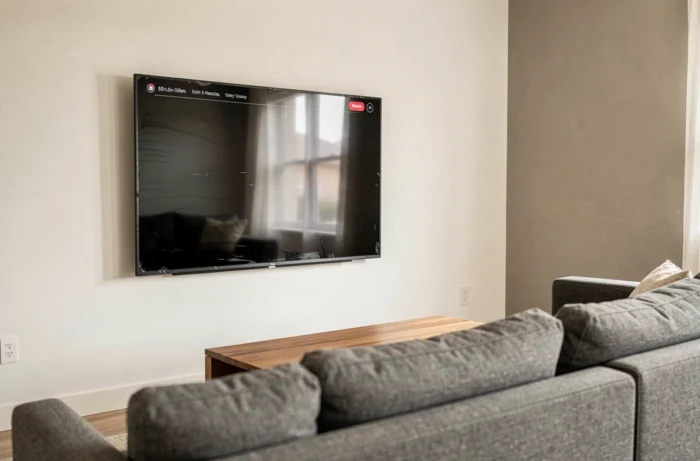
An LG TV that keeps turning on and off isn’t always suffering from a hardware failure. In most cases, the cycle is caused by a software setting or an external device sending a power command through the HDMI port. Telling these two scenarios apart before taking action can prevent you from replacing a perfectly functional power supply board.
HDMI isolation test: the diagnostic step most guides overlook
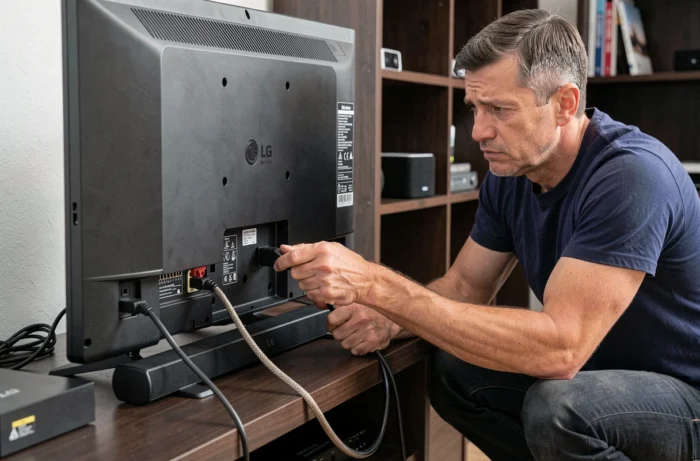
The SIMPLINK (HDMI-CEC) feature allows a set-top box, game console, or soundbar to send power-on and power-off commands to the TV. If one of these devices sends a stray signal, the TV may restart even though its internal electronics are not at fault.
To test this, unplug all HDMI cables from the TV, then monitor its behavior for about 30 minutes. If the power cycle stops, the problem is coming from a connected device. When a TV that keeps turning on and off works normally once isolated, the next step is to reconnect each device one at a time to identify the culprit.
Reconnect the set-top box first, wait ten minutes, then move on to the soundbar, and so on. This simple method helps pinpoint the device disrupting the HDMI connection without changing the TV’s settings.
Disable SIMPLINK and HDMI wake on an LG TV
If the isolation test points to a specific device, you have two options: disable SIMPLINK on the TV or turn off HDMI wake on the device. The SIMPLINK menu location varies depending on the version of webOS installed on the TV. LG notes that the steps differ between newer generations and older models. Before following a tutorial, check your webOS version in the “About This TV” menu.
On most recent models, go to Settings > Connection > HDMI Device Settings > SIMPLINK. Set the option to “Off”. On older generations, SIMPLINK may be found directly under Settings > General.
On the connected device, look for an option called “CEC”, “HDMI Control”, or “Anynet+” (on Samsung devices connected to the TV). Turn it off, then check whether the TV remains stable.
Automatic power settings on LG TVs
If the problem persists even with no HDMI devices connected, the TV itself is probably triggering a scheduled shutdown or restart. Several settings can cause this behavior:
- Auto Power Off timer: This turns off the TV after a period of inactivity. If the remote or a network signal then “wakes” the TV, the cycle starts again. Disable it under Settings > General > Timers.
- “Quick Start+” mode: This feature keeps the TV in an active standby state to speed up startup. LG recommends disabling it after unplugging and reconnecting the TV, as it can cause restarts due to a temporary software state.
- “Auto Power” function: This turns the TV back on when it detects an incoming signal. Depending on the model, you’ll find it under Settings > General > Power.
Disable all three features, then leave the TV plugged in and switched on for at least an hour to confirm that the cycle has stopped.
Power supply board or capacitor problem
If no software troubleshooting steps resolve the issue and the TV continues to turn on and off with no devices connected, a hardware fault is more likely. On LG TVs, swollen capacitors on the power supply board are a common cause of restart loops.
One visual clue can help with diagnosis: the standby LED flashes irregularly before each shutdown. This suggests that the power supply is not maintaining a stable voltage.
Opening the TV to inspect the power supply board requires unplugging the device and waiting several minutes, as capacitors store energy. Bulging capacitors or ones with a brownish leak confirm the diagnosis. Replacing capacitors costs far less than replacing the entire board, but requires electronics soldering skills.
When to contact LG technical support
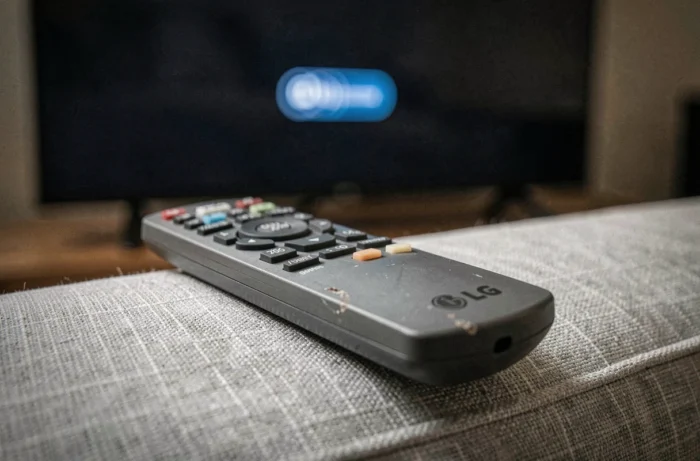
Only perform a factory reset if all the previous steps have failed. LG warns that it deletes accounts, downloaded apps, and all personalized settings, requiring you to set everything up again. If the reset makes no difference, the problem is hardware-related and warrants a professional diagnosis.
Step-by-step troubleshooting summary
Follow these troubleshooting steps in order:
- Unplug all HDMI devices to rule out stray external commands via SIMPLINK.
- Disable SIMPLINK, Quick Start+, and Auto Power in the TV settings.
- Check that the TV remains stable for an hour with no devices connected and no timer active.
- Visually inspect the power supply board if the problem persists despite the software settings.
- Perform a factory reset only as a last resort, then contact LG support if the cycle continues.
Most cases of an LG TV that keeps turning on and off can be resolved with the first two steps. A misconfigured HDMI device or a simple standby setting is often enough to explain behavior that looks like a serious fault.